Share by Link
One link, everything you want to share.
How it works
Create your Digica, personalize the profile people will see, then share the same destination by link, QR, or a compatible Digica product. Recipients can open it in the browser, save your contact, and revisit the same Digica presence later.
One profile. Multiple ways to share. One useful destination.
One link, everything you want to share.
Scan and open your profile instantly.
A simple tap opens the same Digica profile.
They can save you directly to their contacts.
The same Digica profile remains ready.
01 — Create + personalize
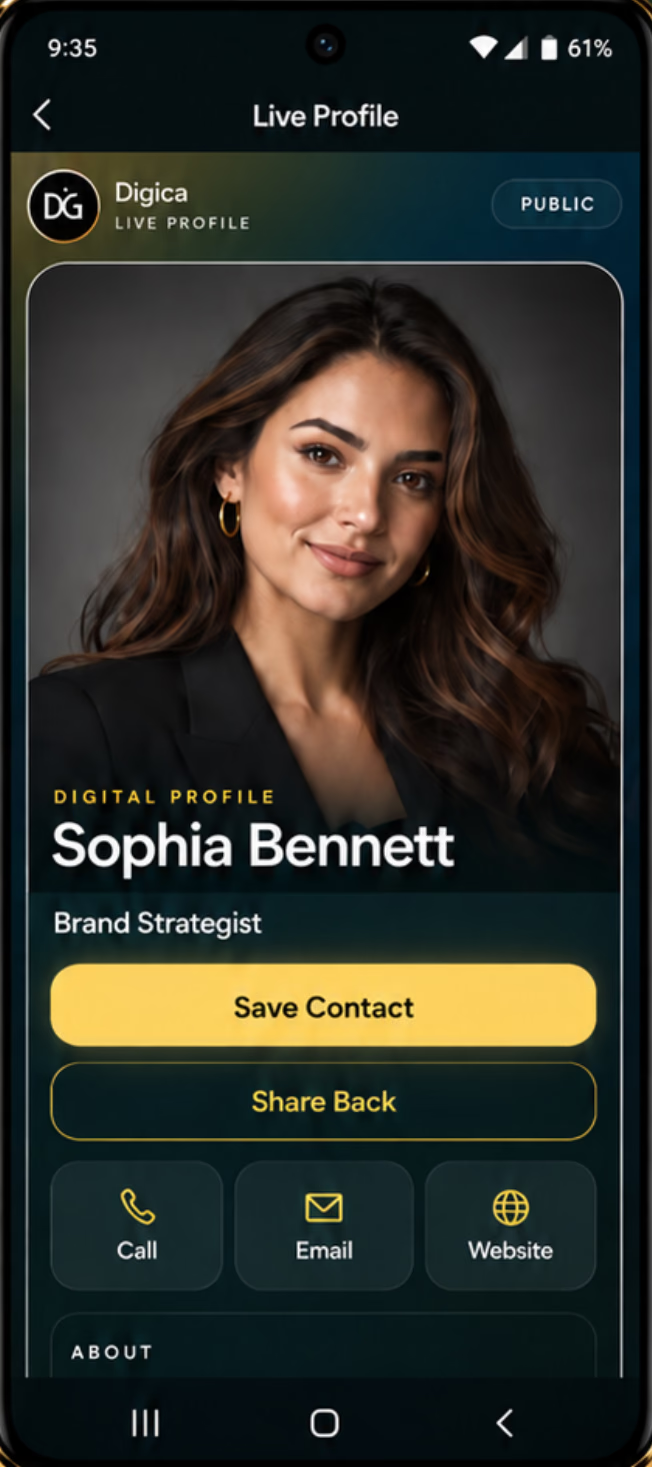
Bring your digital identity into one structured profile: who you are, what you do, how to reach you, and the actions you want people to take after an introduction.
The screen shown here is current Digica UI, not an AI-generated interface.
02 — Share
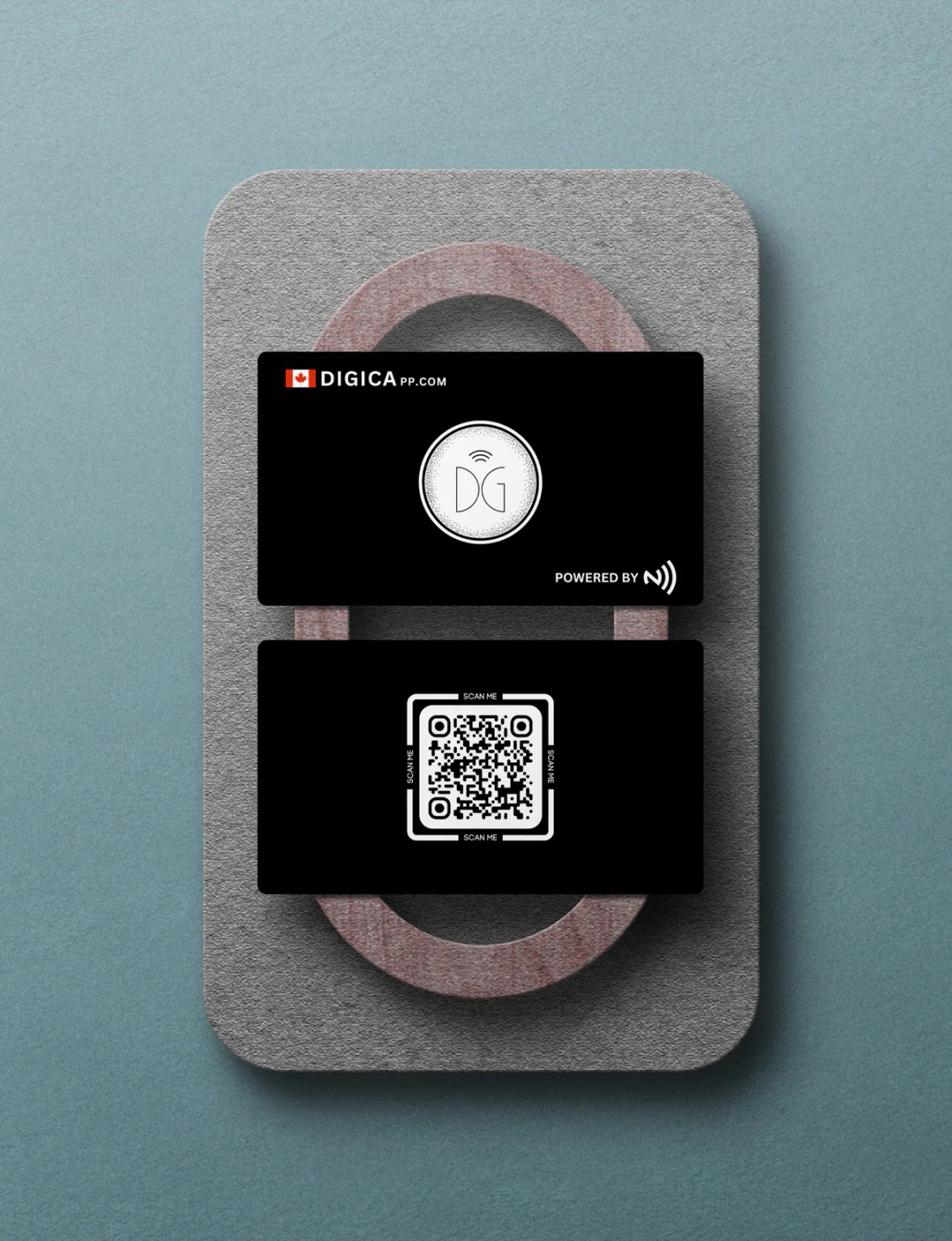
NFC is shown as a close-range interaction with a compatible Digica product.
03 — Open + save + reconnect
The public profile includes Save Contact alongside direct actions such as call, email, and website. A recipient can save you, then return to the same Digica presence when the connection matters again.
The loop
Profile checklist
The strongest profile makes the next action obvious. Use the live profile anatomy below as a practical checklist, then refine your Digica as your role or offer changes.
Quick answers
You create and personalize a Digica profile, share its public destination, and let the recipient open, save, and revisit your contact details.
No. A shared Digica public profile can open in the browser. The Digica app is used to create and manage your own Digica presence.
Yes. Digica supports QR sharing, and compatible Digica physical products can use NFC for a close-range handoff.
Yes. The current Digica public profile includes a Save Contact action so a recipient can move your details into their contacts.
Your next connection
Create your profile, share it in the next conversation, and keep one useful destination ready for the connection that follows.