
For teams
One organization. Many professional identities.
Give customer-facing people their own Digica presence while keeping the organization recognizable across sales, service, recruiting, leadership, partnerships, and events.
Real Public Profile UICorporate + Enterprise pathsContract-defined Enterprise capacity
MLMaya L.Sales · Public ProfileNKNoah K.Client service · Public ProfileSRSofia R.Recruiting · Public ProfileLPLiam P.Leadership · Public Profile
Consistency without sameness
Keep the organization visible without turning every person into the same profile.
The strongest team experience combines shared company context with role-appropriate individual identity. This page does not claim centralized field locking or automatic brand-policy enforcement.
SHARED ORGANIZATION CONTEXTNorthpoint Demo Co.Company identityWebsite destinationConsistent visual language
Role-specific presentation
The same Digica platform can emphasize different professional context.
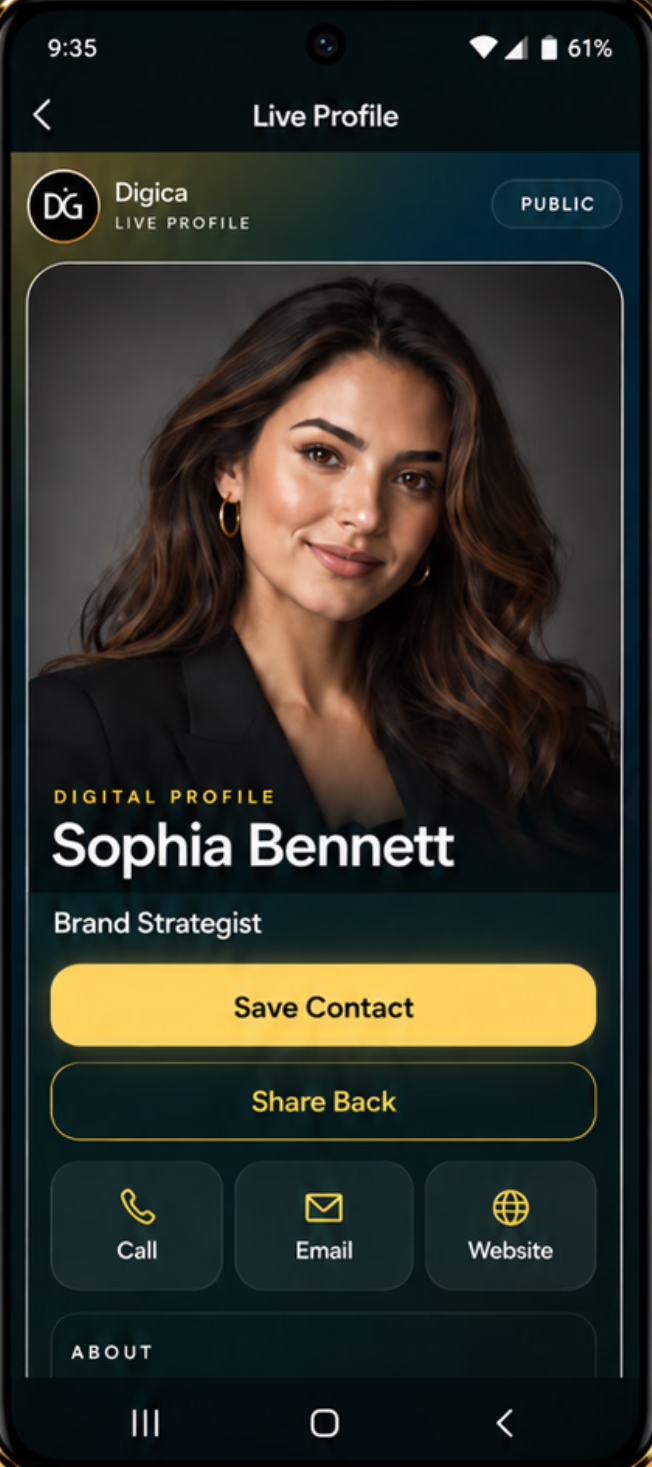
Switch between sanitized demo roles. The displayed phone remains a current real Digica Public Profile capture; role labels and explanation stay outside the product UI.
SANITIZED DEMO PERSONA
Maya L.
Sales professionalA clear individual identity for consultations, introductions, and follow-up.
Direct contactCompany websiteSave Contact
The phone uses one current real Digica Public Profile capture. The demo persona labels stay outside the product UI and do not invent role-specific Digica screens.Customer-facing teams
Use one familiar digital handoff across the moments where people represent the organization.
These examples describe professional use of existing Digica profile and sharing capabilities. They are not separate department products or customer case studies.
01SALES
Keep the company recognizable while the salesperson stays personal.
A sales professional can share an individual Public Profile with their own role and contact context while keeping the organization visible.
Share → Open → Save Contact02SERVICE
Give customers one useful contact destination after the conversation.
A service or client-success professional can publish direct contact information, company context, and relevant links without turning Digica into a ticketing system.
Contact → Resources → Revisit03RECRUITING
Share recruiter identity and company destinations without inventing an ATS.
Recruiting profiles can point to company, careers, contact, and professional destinations that already exist.
Identity → Careers link → Contact04LEADERSHIP + PARTNERSHIPS
Connect personal credibility with organization context.
Leadership and partnership introductions can combine individual identity, company context, selected links, and Save Contact.
Context → Company → SaveRecipient experience
Every introduction still ends with a real individual profile.
The recipient can open the browser-based Public Profile and choose supported actions such as Call, Save Contact, Share Back, Email, Website, and relevant published links. Digica does not silently capture a lead or start a CRM sequence.
01MeetA person represents the organization.02ShareLink, QR, or optional compatible product.03OpenThe recipient sees the individual Public Profile.04ChooseThey decide whether to save, call, share, or visit a link.
Teams at events
Let the organization show up together while each person keeps their own identity.
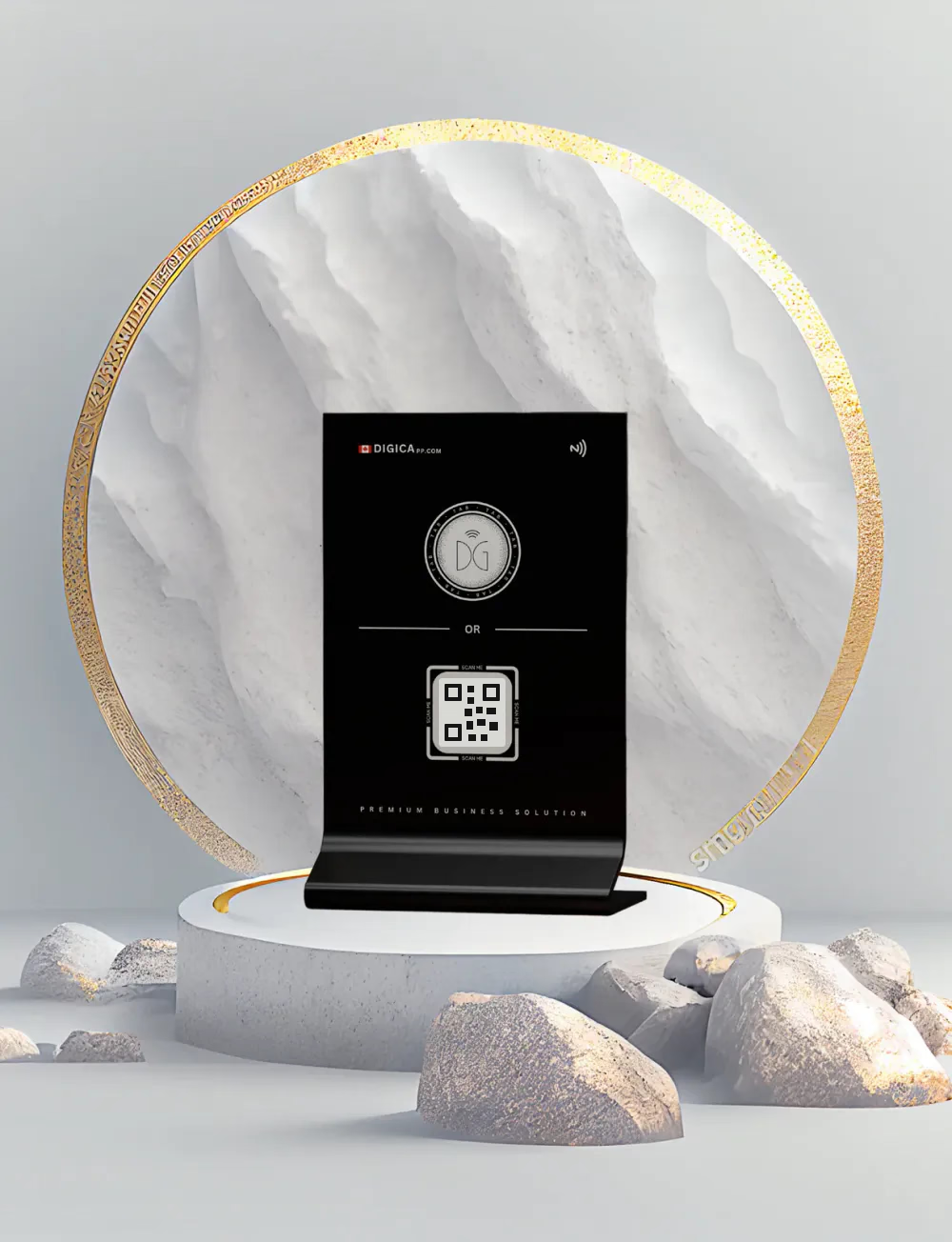
At a conference, booth, recruiting event, or business gathering, team members can share their own Digica profiles while a compatible Business Stand can represent a shared organization touchpoint.
Optional physical sharing tools
Keep the identity digital. Add Cards or Stands only where they improve the handoff.
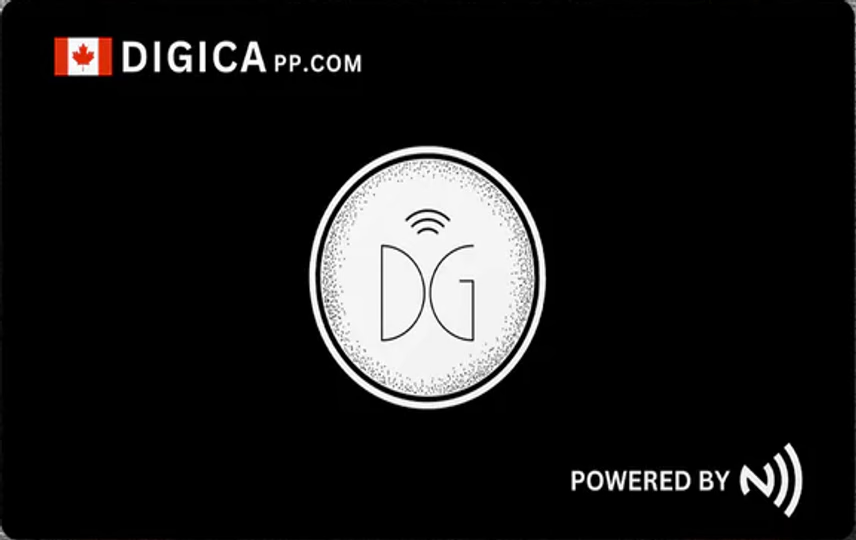
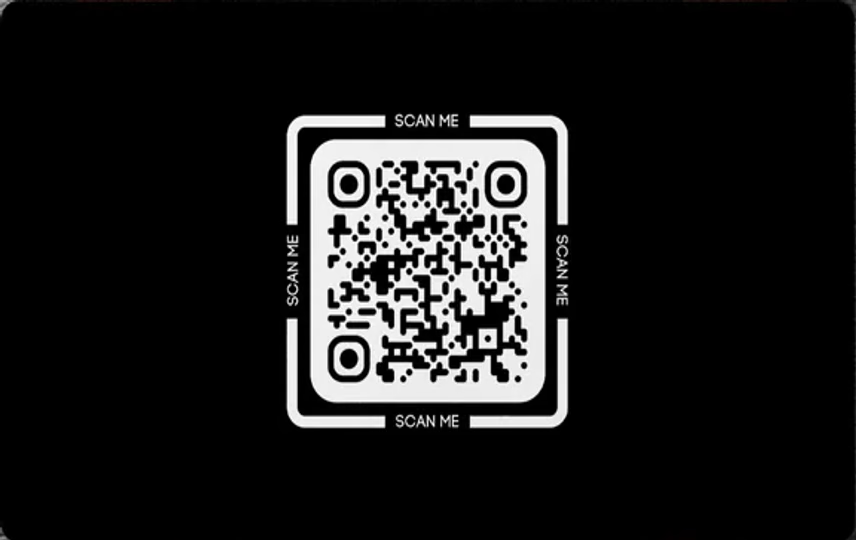
Team use does not require physical hardware. Compatible Digica Cards and Business Stands can complement link and QR sharing. Marketplace remains authoritative for current products, pricing, stock, variants, and checkout.
Organization rollout
Scale the real profile experience without inventing an IT-management platform.
Corporate is an account classification for businesses and organizations. Enterprise is approval- and contract-based, with current commercial terms defining organization capacity and supported capabilities.
Choose the Corporate or Enterprise path that fits the current need.
Team members establish individual Digica profiles for their professional context.
Align company identity, role context, and shared destinations without erasing individuality.
Use link, QR, or optional compatible physical products in customer-facing moments.
VERIFIED ENTERPRISE FRAMEWORK
Contract-defined where the current product says it is contract-defined.
5-seat minimumContract-defined profilesContract-defined active devicesContract-defined widgetsContract-defined support + commercial termsOrganization management + sub-accounts
NOT CLAIMED ON THIS PAGESSO / SCIMDirectory synchronizationAutomated employee provisioningCRM lead routing or analyticsHRIS / ATS workflowsBulk NFC lifecycle management
One team · many introductions
Organization → people → profiles → useful introductions.
A simple model: keep the company recognizable, keep the person identifiable, and keep the recipient in control.
ORGANIZATIONNorthpoint Demo Co.SANITIZED DEMO
Sales meetingService conversationRecruiting eventPartnership introduction
Team answers
The practical organization questions, answered directly.
Can teams use Digica?
Yes. Digica supports Corporate accounts for businesses and organizations, while Enterprise is an approval- and contract-based path for broader organization rollouts.
Can multiple employees have individual Digica profiles?
Yes. Digica supports multiple professional profiles according to the applicable account, plan, and Enterprise terms. Each person can keep their own professional identity and published profile context.
Can teams keep a consistent company presence?
Yes. Teams can align organization name, company context, visual presentation, and shared destinations while keeping role-specific individual information. Digica does not claim that every profile field is automatically policy-locked unless that control is explicitly part of the current account or contract.
Do recipients need Digica to view a team member profile?
No. A Digica Public Profile is a browser-based destination. The recipient can open it without installing the Digica app.
Can sales, service, recruiting, and leadership teams use Digica?
Yes. The same Digica Public Profile and sharing capabilities can be used in different professional contexts by publishing role-appropriate contact information, company context, links, and supported actions.
Can teams use QR, Digica Cards, or Business Stands?
Yes. Profiles can be shared by link or QR without hardware. Compatible Digica Cards and Business Stands are optional physical sharing tools, with current product availability and checkout remaining authoritative in Marketplace.
What is the difference between Corporate and Enterprise?
Corporate describes the Digica account classification for a business or organization. Enterprise is a subscription and commercial arrangement with contract-defined capabilities; account type and subscription plan are separate concepts.
How does Enterprise capacity work?
The current Enterprise framework starts at a 5-seat minimum and is approval- and contract-based. Profiles, active devices, widgets, support, and commercial terms are contract-defined.
Your organization · distinctly Digica
Give every introduction a more consistent digital presence.
Keep each person recognizable, keep the organization visible, and use an Enterprise engagement when your rollout needs contract-defined capacity and organization capabilities.