Prepare one Digica destination.
Keep your current professional details, useful links, and contact actions together before the event starts.
For events
Share one real Digica Public Profile by link, QR, Card, or compatible Business Stand, then let the recipient choose when to save your contact and reconnect.
Before · During · After
Keep your current professional details, useful links, and contact actions together before the event starts.
Use a link, visible QR, Digica Card, or compatible Business Stand to help the other person open your Public Profile.
The recipient can save your contact and revisit the same public destination when they are ready to reconnect.
On the floor
A crowded event is not the place for a complicated handoff. Use the entry point that fits the moment and send the recipient to the same mobile-first Public Profile.
Share in a message, email, or from your own phone.
The recipient deliberately scans and opens the profile.
Bring a supported Digica product close to a compatible phone.
Business Stand experience
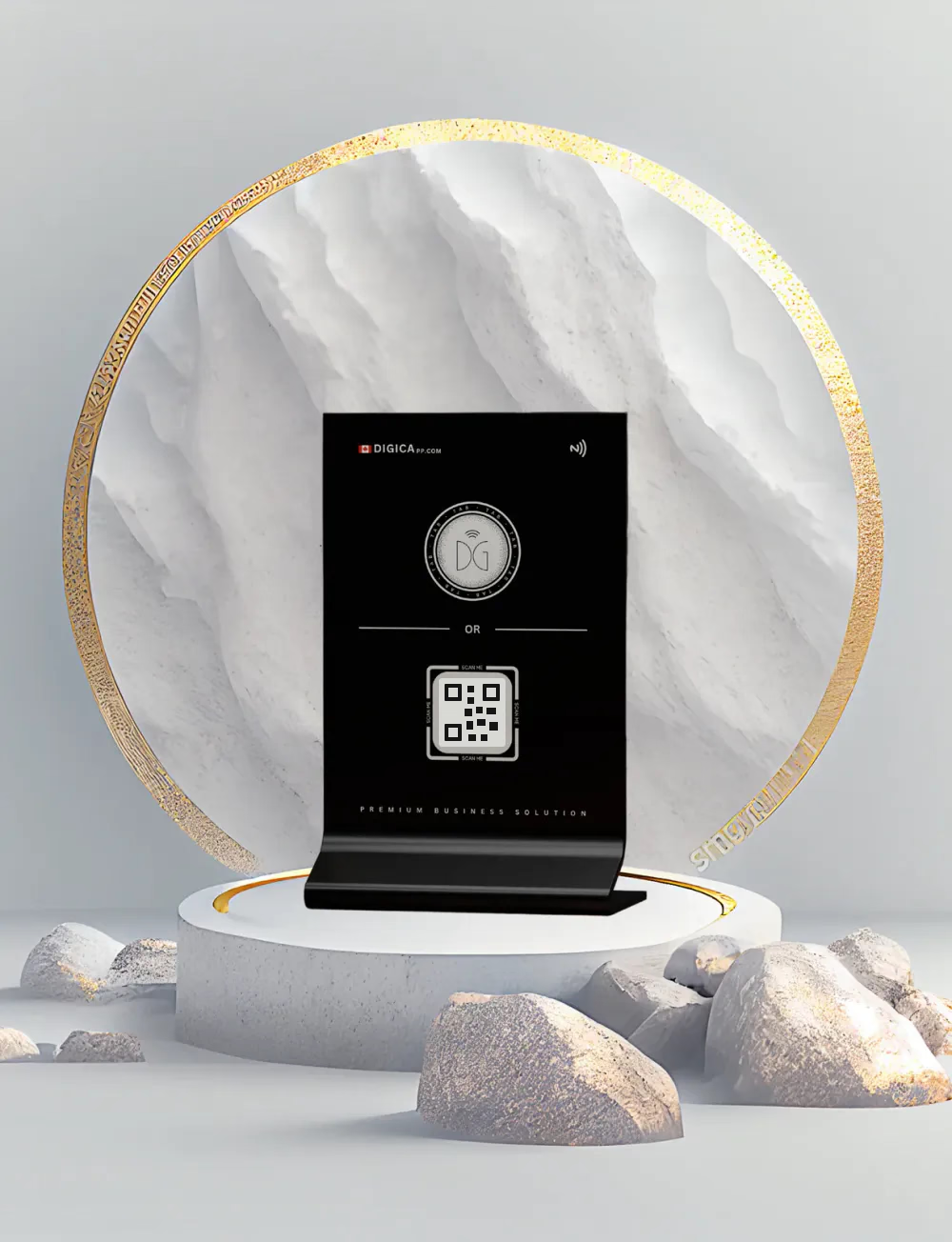
This page uses the current DG Stand image from the authoritative Digica Marketplace. The Stand is shown as a physical sharing point—not as a screen, tracker, sensor array, or event-management terminal.
Personal networking
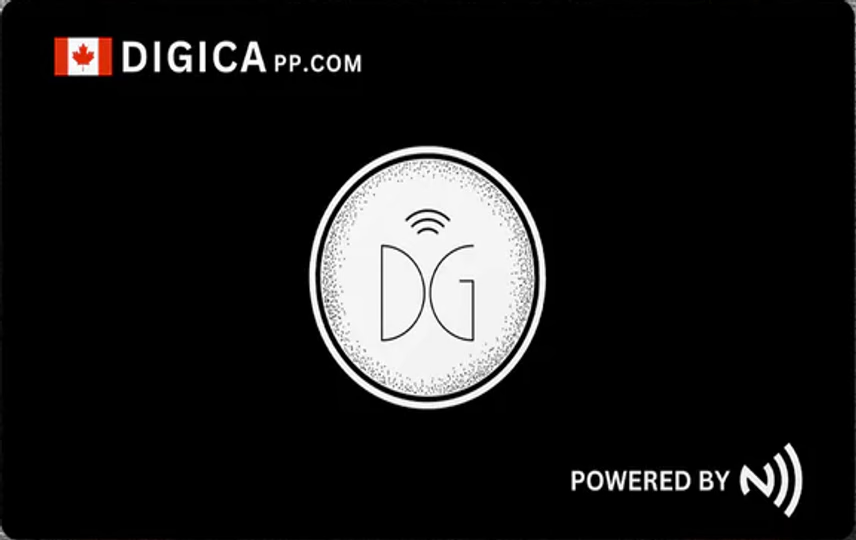
Use the real Digica Card when a physical handoff helps, or share the same profile by link or QR. The Card does not replace the digital experience—it simply gives the introduction a physical entry point.
QR + compatible NFC
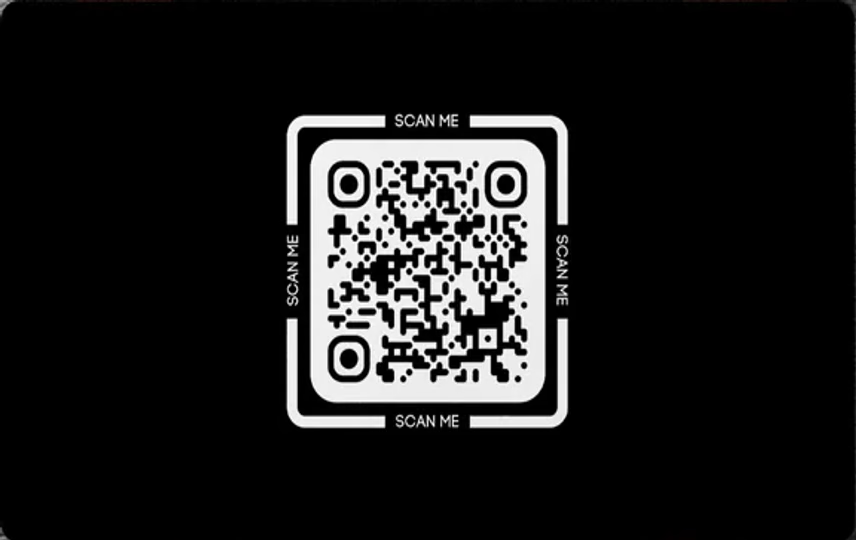
Present the QR on a supported Digica surface or another safe sharing context. A scan opens the public destination; it does not silently save a contact.
SCAN → OPEN PROFILEBring a supported product near a compatible phone. NFC is represented only as the handoff that opens the digital profile.
TAP → OPEN PROFILEWhat the attendee receives
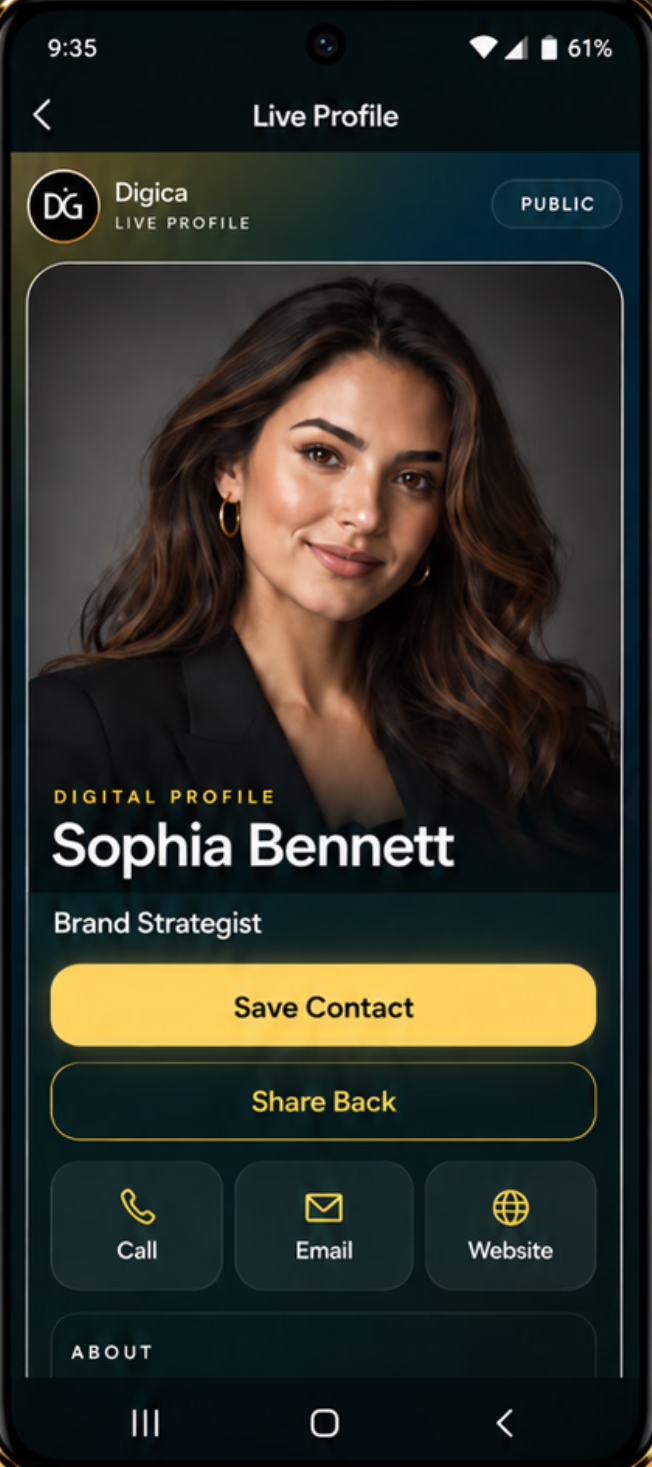
The phone here uses the current sanitized Digica Public Profile capture. It preserves the actual recipient-facing structure and visible actions instead of inventing an event-specific interface.
Save the person, not the paper
The recipient arrives at the same Digica destination from link, QR, Card, or compatible Stand.
The recipient chooses the visible Save Contact action while the introduction is fresh.
Return to the profile, call, email, visit a configured website, or use another published destination.
One profile across the event
You do not need a separate event profile system to keep the handoff consistent. Share the same Digica destination across the moments where the introduction already happens.
Event use cases
Place a real Digica Business Stand at a booth or counter so visitors can deliberately scan or tap.
Use your Digica Card, QR, or profile link during one-to-one networking.
Share a professional Public Profile that keeps identity, contact actions, and relevant destinations together.
Use a Stand at a reception or service counter, or share the same profile directly from a phone.
Optional physical products
The digital Public Profile is the core destination. Digica Cards and Business Stands are optional sharing tools. Current products, pricing, availability, variants, and checkout stay in the live Marketplace instead of being duplicated here.
Events, answered directly
Share your Digica Public Profile by link or QR, or use a compatible Digica Card or Business Stand for an in-person handoff. The recipient opens the same mobile-first profile.
No. A shared Digica Public Profile is a web destination and can be opened in a browser without requiring the recipient to install the Digica app.
Yes. The current Public Profile includes Save Contact as a visible recipient action. Digica does not silently save a lead or automatically follow up.
Yes. QR is a deliberate visible scan. Compatible Digica physical products can also use close-range NFC to open the same shared profile.
No. The digital profile can be shared by link or QR without hardware. Physical cards and stands are optional sharing tools.
Yes. The same shared Public Profile can be revisited after the event, and its digital information can be kept current over time.
Be ready for your next introduction.
Start with a reusable Digica destination, then choose a Card or Business Stand from the live Marketplace when it fits your event workflow.