


01
Identity
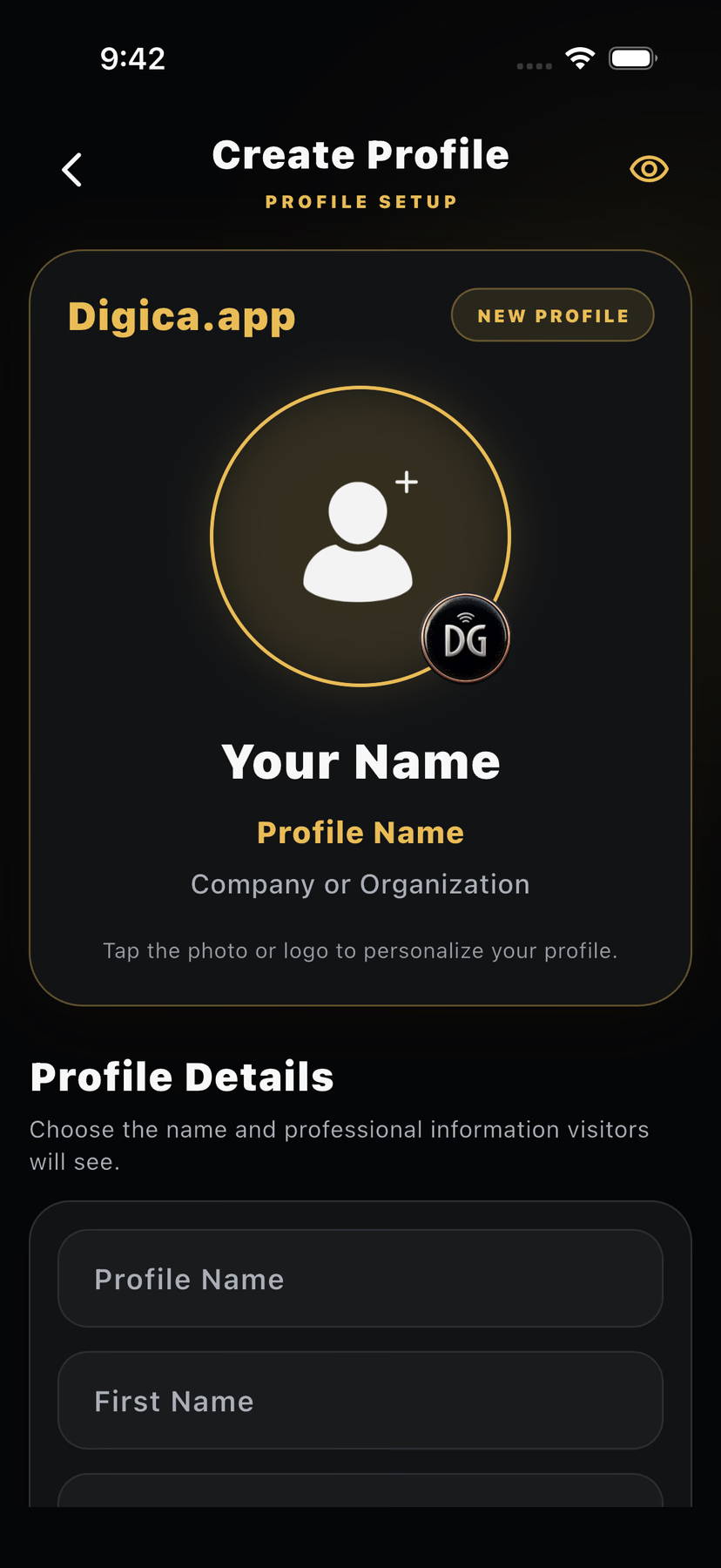
Name, role, photo and brand
Digica features
Build one professional presence, share it in seconds, let people save the details that matter, and connect your physical Digica products to the same digital experience.
One connected system
Name, role, photo and brand
Link, QR, NFC and share back
One live destination
Contact details in one action
Call, email, website and widgets
Change once, keep it current
Build your presence
Your Digica identity connects a digital business card with a mobile-first public profile. The current viewer keeps identity, contact actions, professional context, and enabled destinations in one place.
A shareable professional identity that does not require physical hardware.
A browser destination for identity, context, contact actions, and enabled widgets.
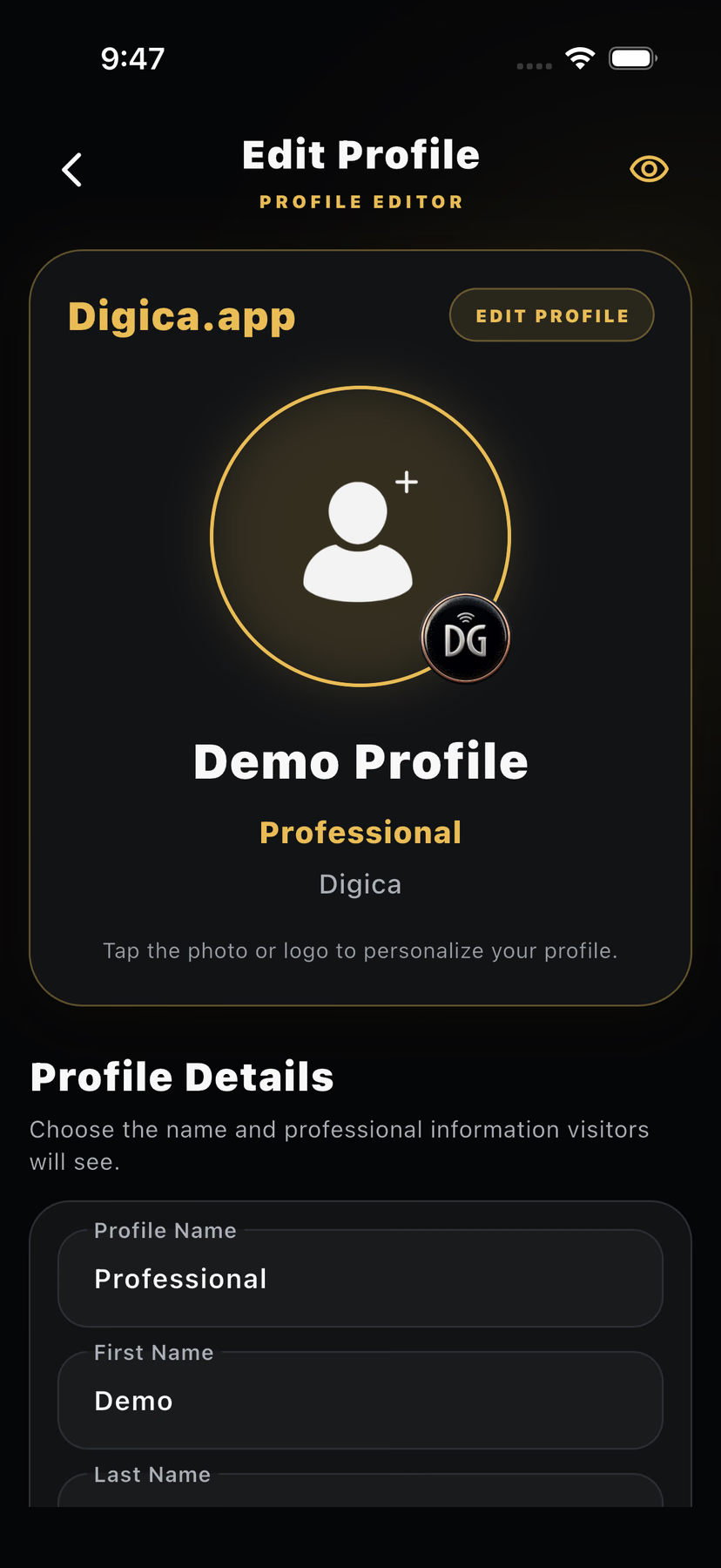
Maintain the digital destination as your professional details change.
More than one professional identity is available where the active plan allows it.
Share anywhere
Use the profile link in messages, email, social bios, and other digital contexts.
Present a QR when the recipient should deliberately scan and open the profile.
Bring a supported Digica product close to a compatible phone to open the same destination.
Make every profile useful
Begin the recipient-controlled contact-saving flow.
Use the current profile action to deliberately share back.
Open the configured call action where available.
Continue by email using the profile destination.
Continue to the configured website destination.
Links & widgets
The showcase below uses destination patterns already represented by Digica’s current Public Profile experience. It does not invent new ordering, payments, reservations, or CRM behavior.
 LinkedInEnabled destination
 CalendlyEnabled destination
 WebsiteEnabled destination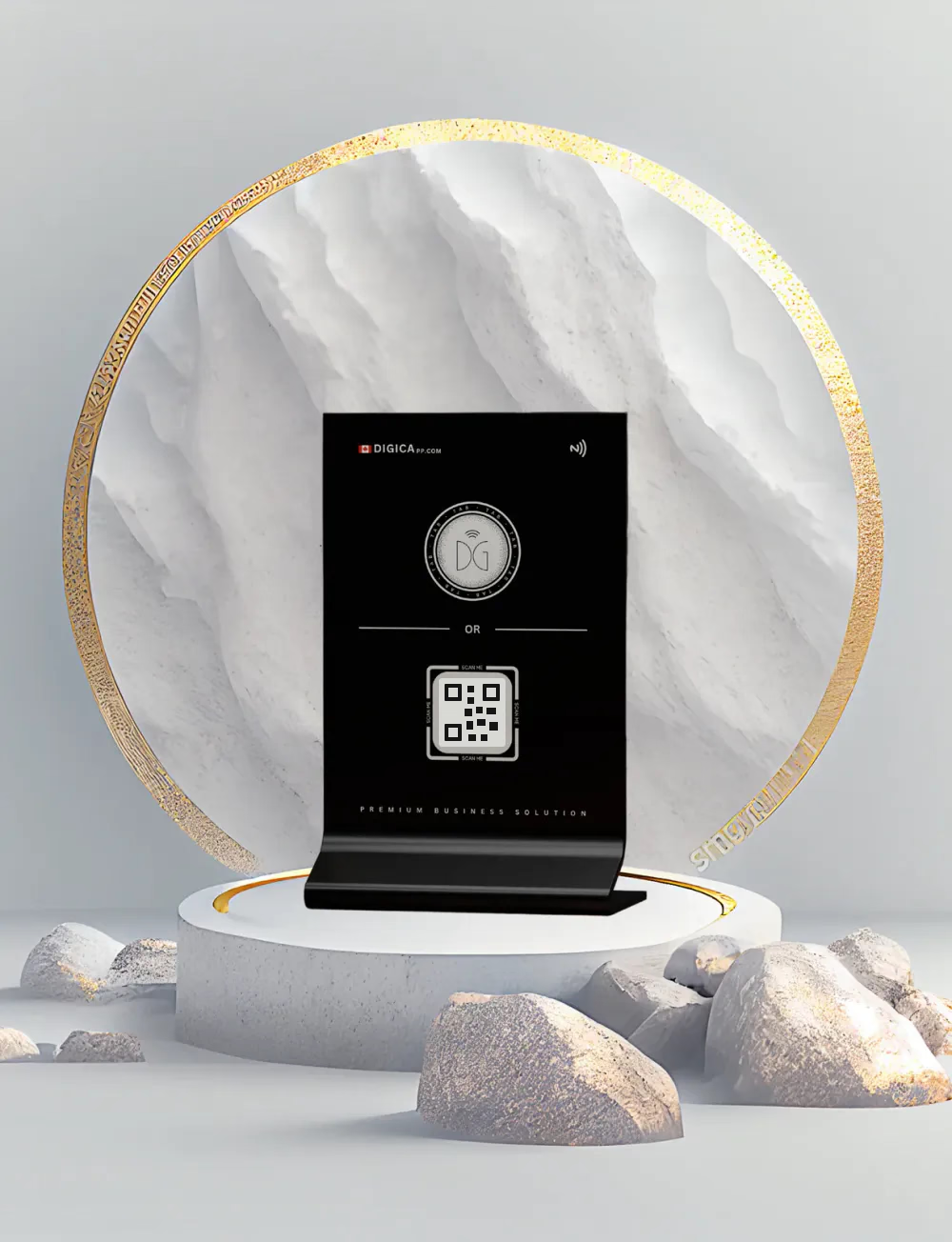
Connect physical + digital
Compatible Digica Cards and other supported Marketplace products can extend the digital profile into in-person sharing. The product is the handoff; the Public Profile remains the destination.
Keep it current
Separate professional contexts without implying unlimited profile capacity.
See current plan capacity →The Digica capability loop
The value is not one isolated card or button. It is a consistent professional destination that can move with the relationship after the introduction.
Features, answered directly
Digica combines a digital business card, a shareable public profile, contact-saving, direct profile actions, supported links and widgets, QR sharing, and optional compatible physical products in one networking platform.
No. A Digica profile can be shared digitally by link or QR. Compatible physical products are optional tools for in-person tap-or-scan moments.
Yes. The current Digica public profile includes Save Contact as a visible recipient action that starts the contact-saving flow.
Yes. QR can lead a recipient to the public profile, and compatible Digica physical products can use close-range NFC to open the same shared digital destination.
Yes. The digital information behind the shared Digica destination can be maintained without reprinting a paper card for routine profile changes.
Eligible Digica plans support more than one profile. Current plan capacity and entitlements are shown on the pricing experience rather than duplicated here.
One professional presence. More useful ways to connect.
Start digitally. Add supported physical products only when they improve how you share in person.