
REPRINT NEEDED
A changed detail means printing a new card.
Digital business card
Replace static contact exchange with a digital business card connected to a richer public profile—easy to share, easier to update, and designed for what happens after the introduction.
Printed once vs. maintained digitally
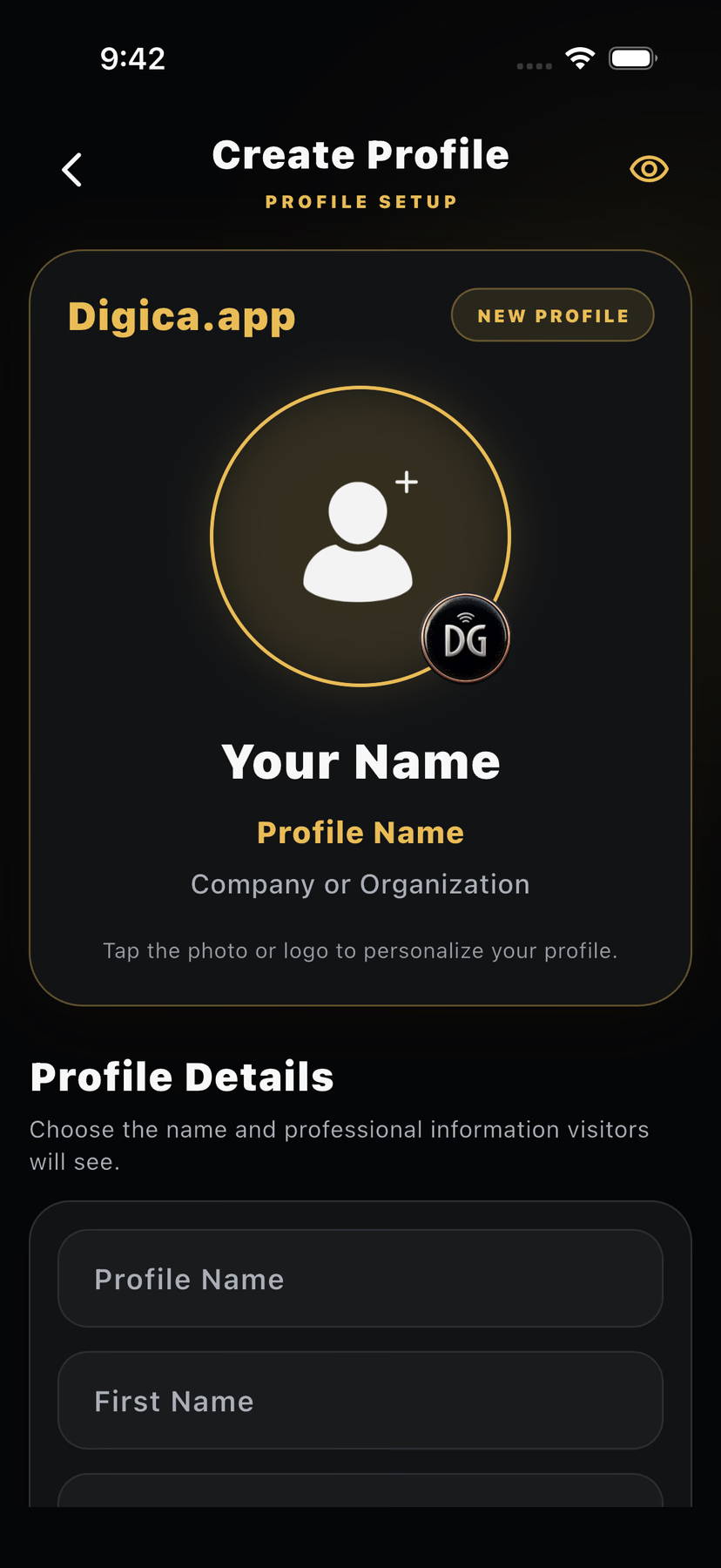
Printed contact information is fixed after production. When a role, phone number, website, or professional focus changes, the printed card still shows the old information.
Digica does not change the artwork on a physical card. It changes the digital information behind the shared destination.
A changed detail means printing a new card.
Update the profile without changing the shared link.
One digital card · multiple sharing methods
Send one public Digica destination in a message, email signature, or social bio.
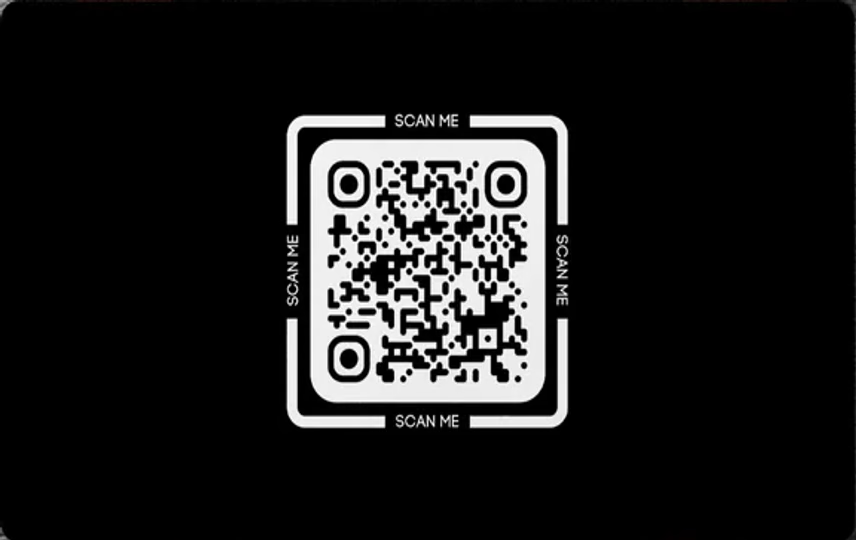
Present a QR in person so the recipient can open the same public profile.
Use a supported Digica physical product at close range to open the profile.
Keep using the places where introductions already happen without changing the destination.
Physical-to-digital handoff
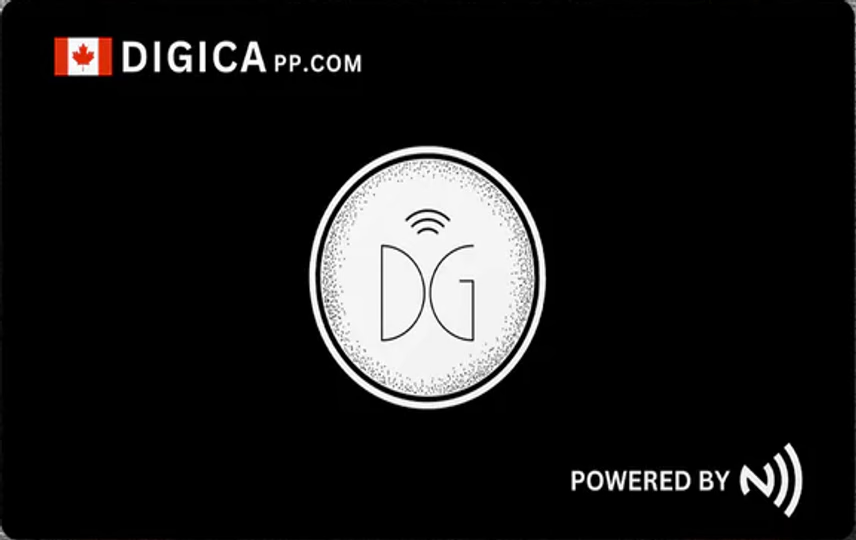
Bring the physical product close to a compatible phone. The handoff opens the shared digital profile; it does not broadcast the full contact record across the room.
QR sharing is a second path to the profile. The card below uses current Marketplace product artwork; the marketing page does not present it as a live customer profile token.
The destination after the handoff
The physical card, QR, or direct link is only the handoff. The useful destination is the public profile where the recipient can understand who you are and choose a next action.
After somebody gets your card
Digica keeps the profile useful after the introduction without pretending that a tap automatically captures a lead or silently writes to the recipient’s contacts.
Link, QR, or compatible NFC product brings the recipient to the profile.
The current public profile exposes Save Contact as a visible user action.
The recipient stays in control of whether the contact is actually saved.
The recipient decides whether to continue.
The device completes the normal contact-saving step.
Update without routine reprinting
Where it fits
Share the profile in person, then let the client save the contact when they choose.
Move from a quick introduction to one profile that can still be revisited after the event.
Use a link, QR, or compatible physical product without requiring a different digital destination.
Send the same Digica link after the meeting instead of rebuilding the contact exchange.
Optional physical products
Your Digital Business Card does not require hardware. If you want a physical tap-or-scan moment, choose a current compatible product from the Digica Marketplace.
Marketplace remains the authority for current products, imagery, pricing, stock, availability, and checkout.
Digital business card answers
It is a shareable digital professional presence connected to a Digica public profile, where a recipient can see your current details and choose useful actions such as Save Contact.
No. The digital business card can be shared by link or QR without buying hardware. Physical Digica products are optional sharing tools.
Yes. Digica supports QR-based sharing that can lead the recipient to the same public-profile destination.
Compatible Digica physical products can use NFC for a close-range handoff that opens the shared digital profile.
Yes. The current Digica public profile includes Save Contact so the recipient can choose to begin the contact-saving flow.
Yes. You can maintain the digital information behind the shared Digica destination without reprinting a paper card for routine profile updates.
No app install is required simply to open a shared Digica public profile in the browser.
Printed information is fixed after printing. A Digica digital business card points to a digital destination whose profile content can remain current.
One professional presence. More than one way to share it.
Start with the digital profile. Add a physical Digica product only if it improves the way you share in person.